Built around Chrome MV3
Service workers, content scripts, permissions, storage, scripting, DNR, and other core extension capabilities are implemented for iOS.
Teak supports the Chrome Manifest V3 extension standard. Install supported extensions from the Chrome Web Store, Microsoft Edge Add-ons, or Teak's built-in extension search.
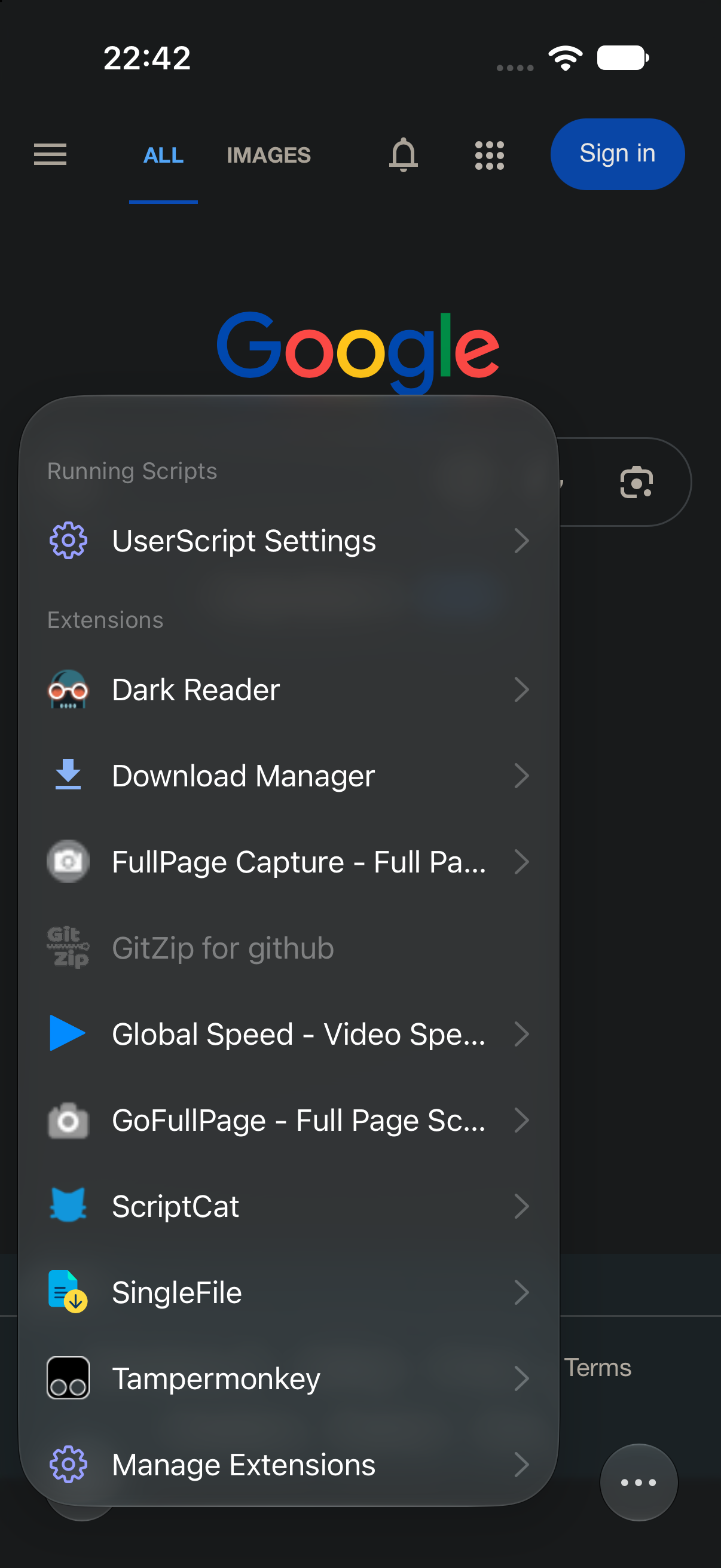
Service workers, content scripts, permissions, storage, scripting, DNR, and other core extension capabilities are implemented for iOS.
Find extensions in the Chrome Web Store, Microsoft Edge Add-ons, or Teak's built-in extension search.
Review requested access before installation and confirm again when an update asks for additional permissions.
Browser extensions
From dark mode, translation, and content blocking to passwords, writing, full-page capture, and advanced tools, Teak brings a real extension workflow to mobile browsing.
 Dark Reader
 Immersive Translate
 uBlock Origin Lite
 1Password
 Bitwarden
 Grammarly
 GoFullPage
 Violentmonkey
 Tampermonkey
Compatibility can change with extension versions. Teak continually identifies, investigates, and fixes compatibility issues. Extension names and trademarks belong to their respective owners.
See extension compatibility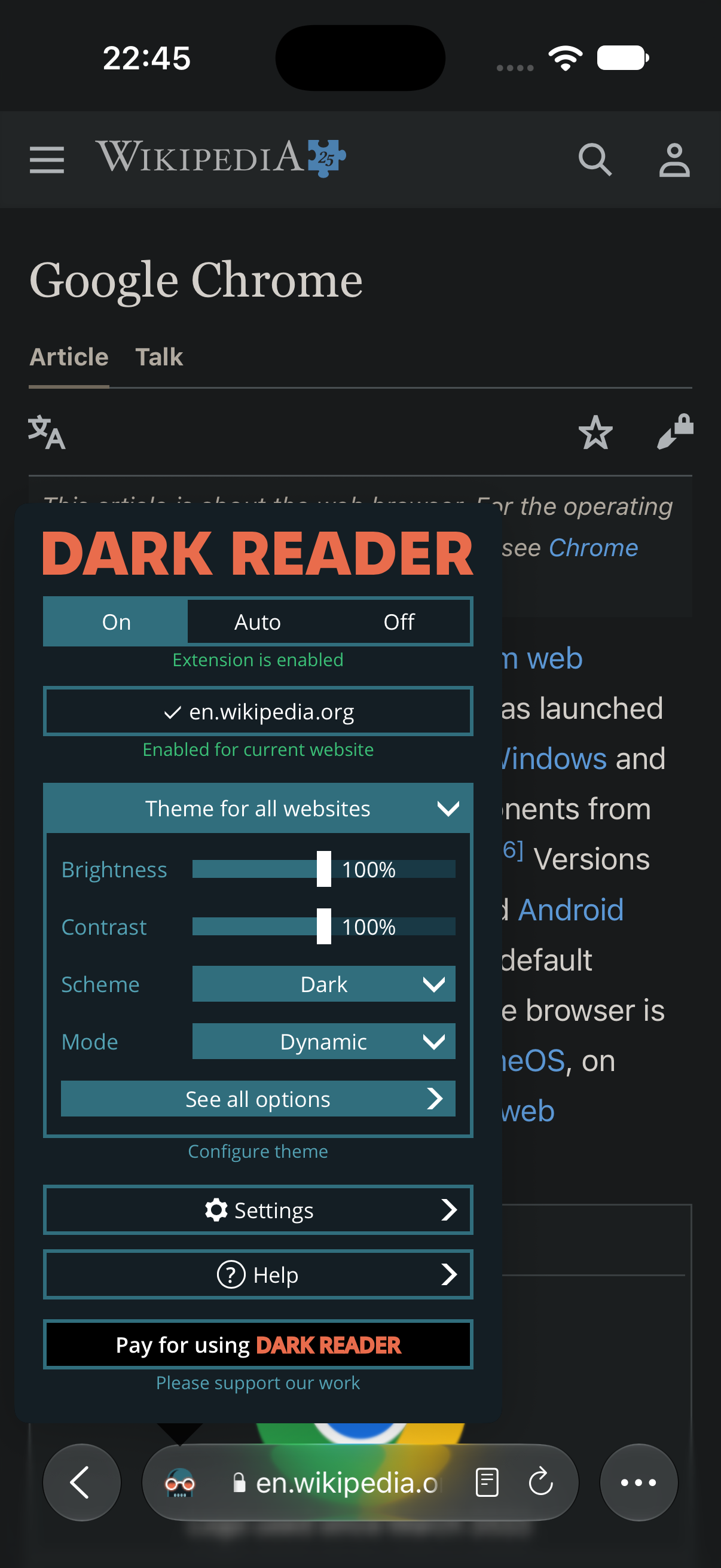
Built-in tools
Teak also includes focused browsing tools for cleaner pages, translation, reading, night use, and media discovery.
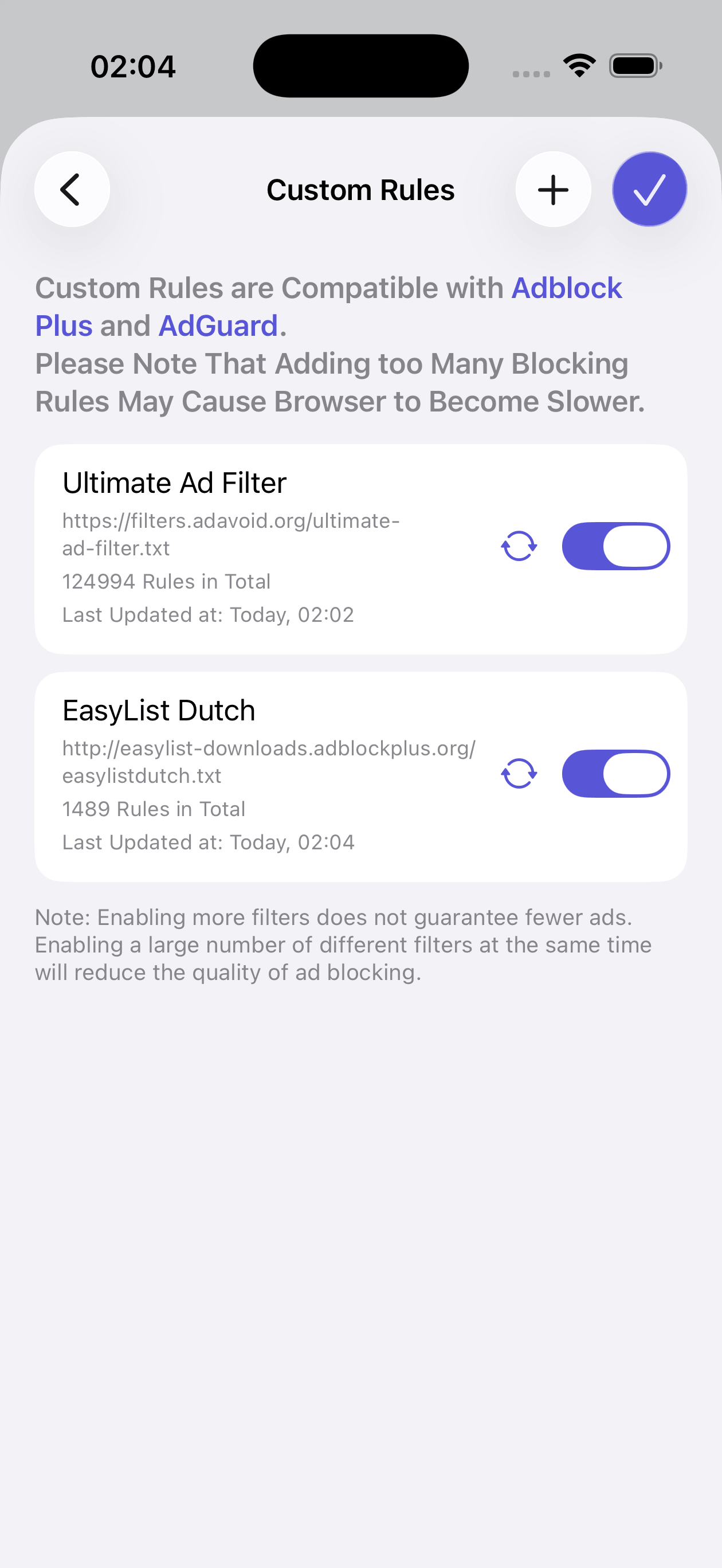
Reduce banners, popups, and visual clutter with built-in and custom blocking rules.
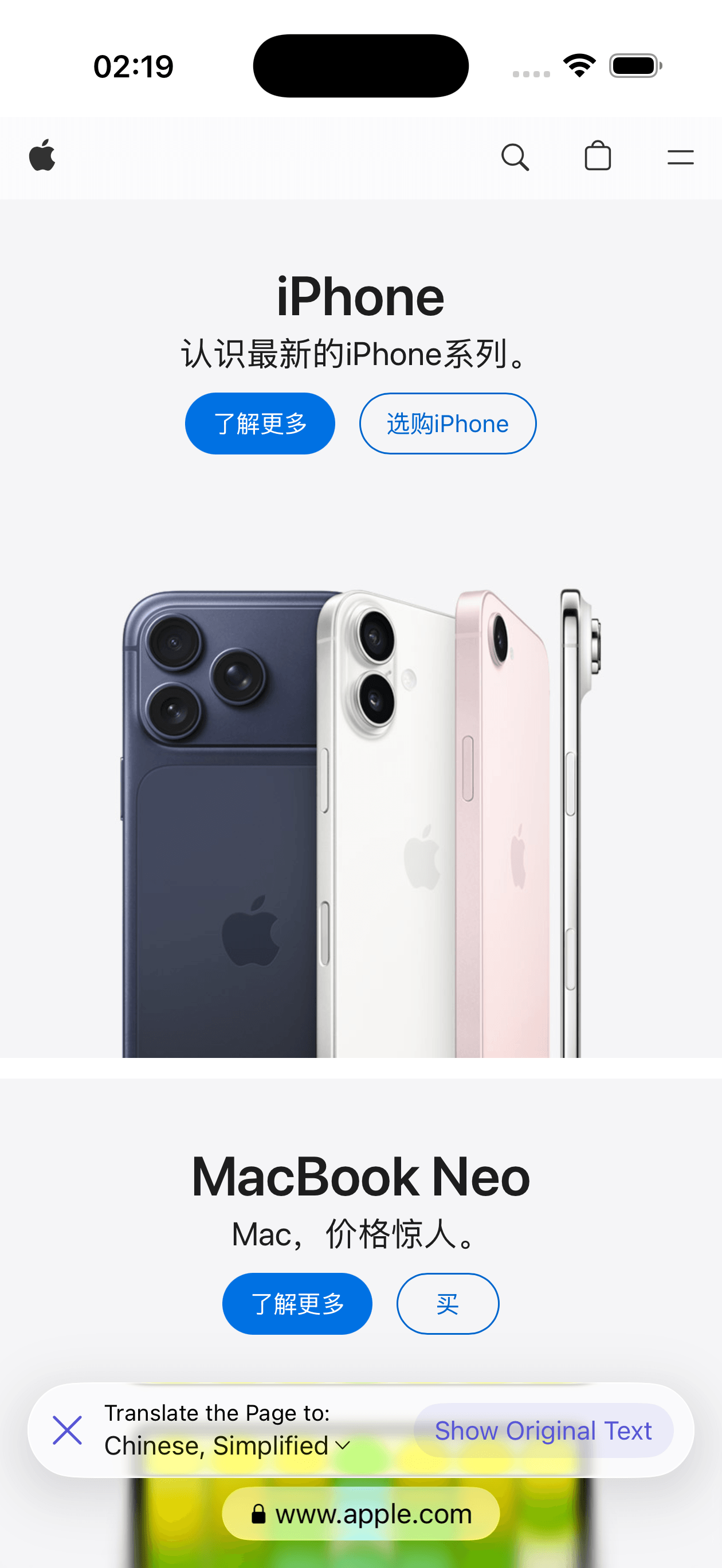
Translate web pages across more than 100 languages without leaving the browser.
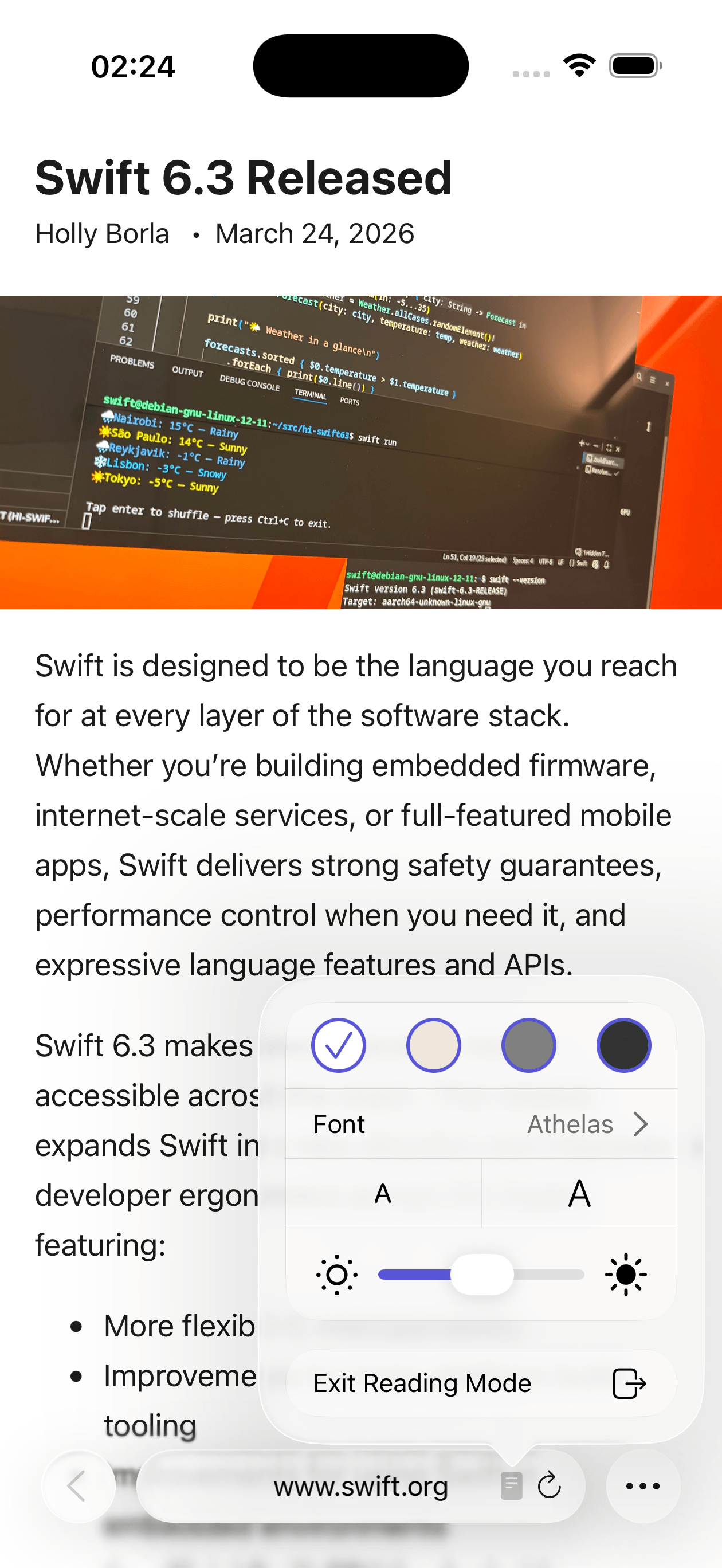
Extract the article and turn noisy pages into a calmer reading surface.
Use a dark interface and make bright web pages more comfortable at night.
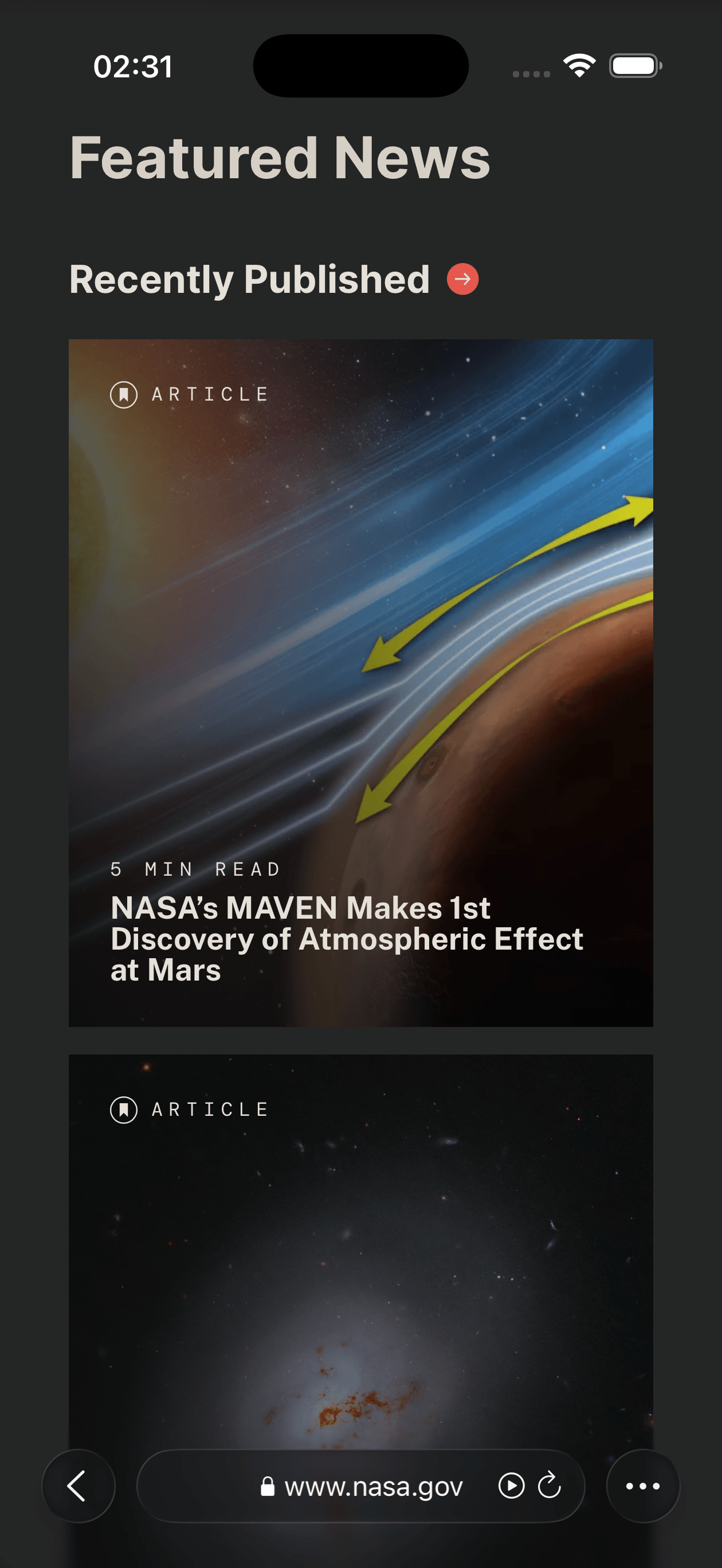
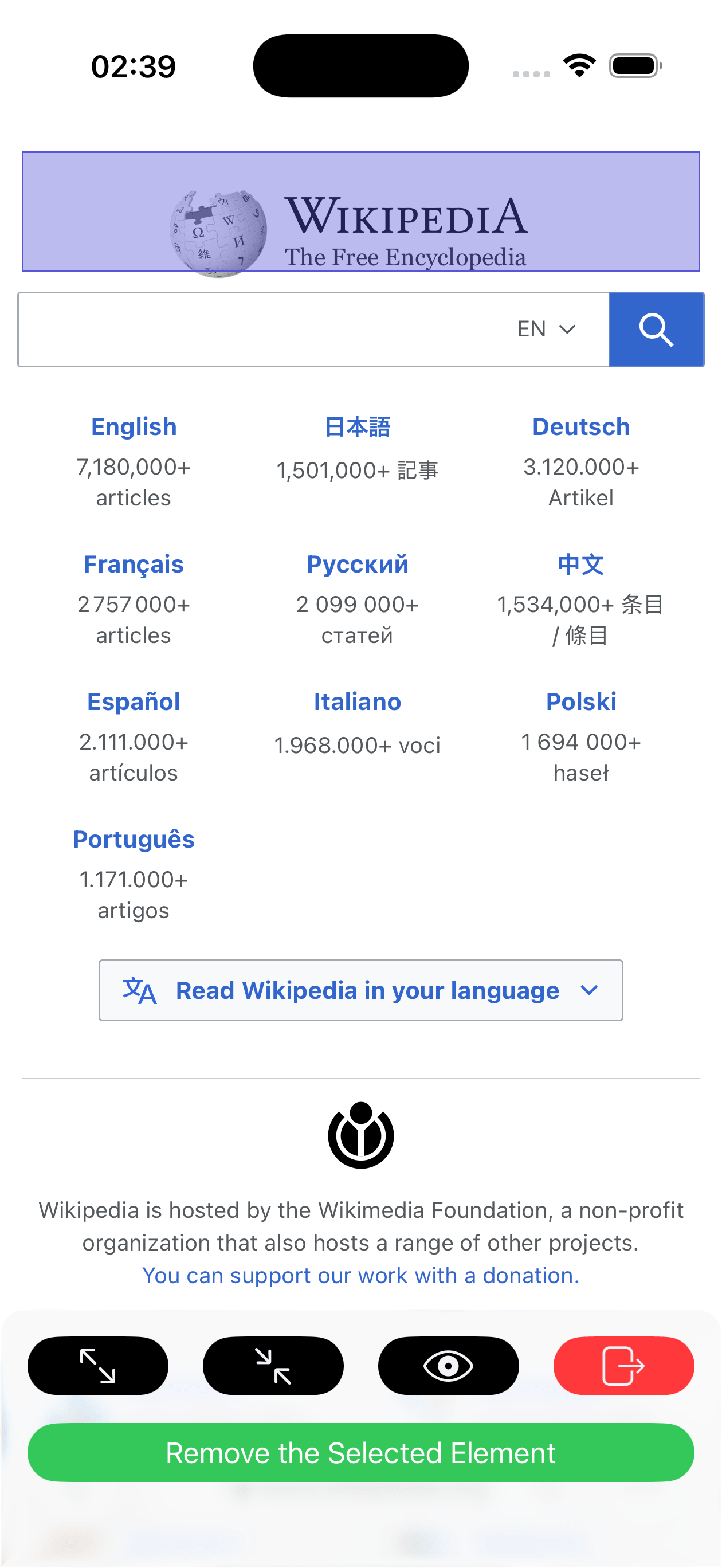
Select ads, popups, or any distracting page element and hide it directly.
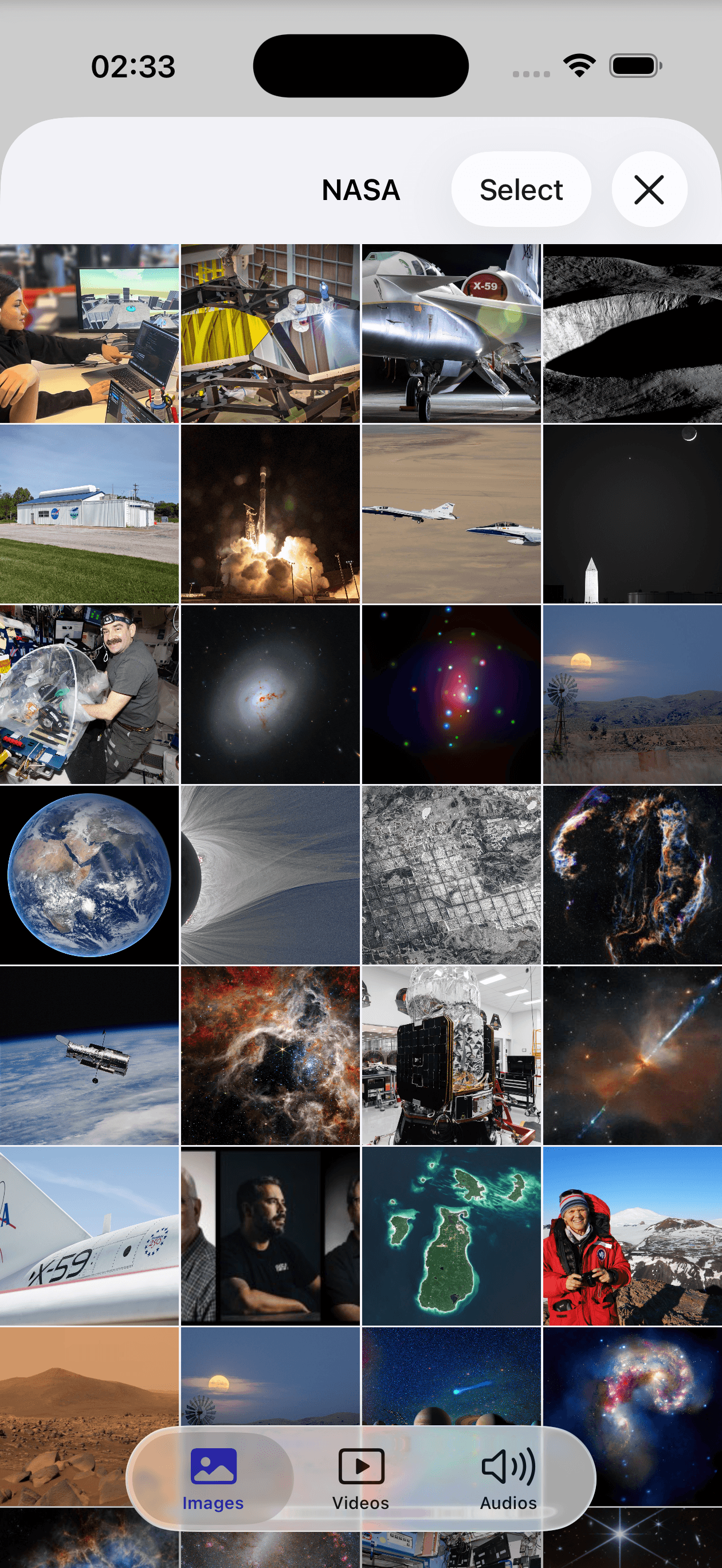
Find images, video, and audio resources embedded in the current page.
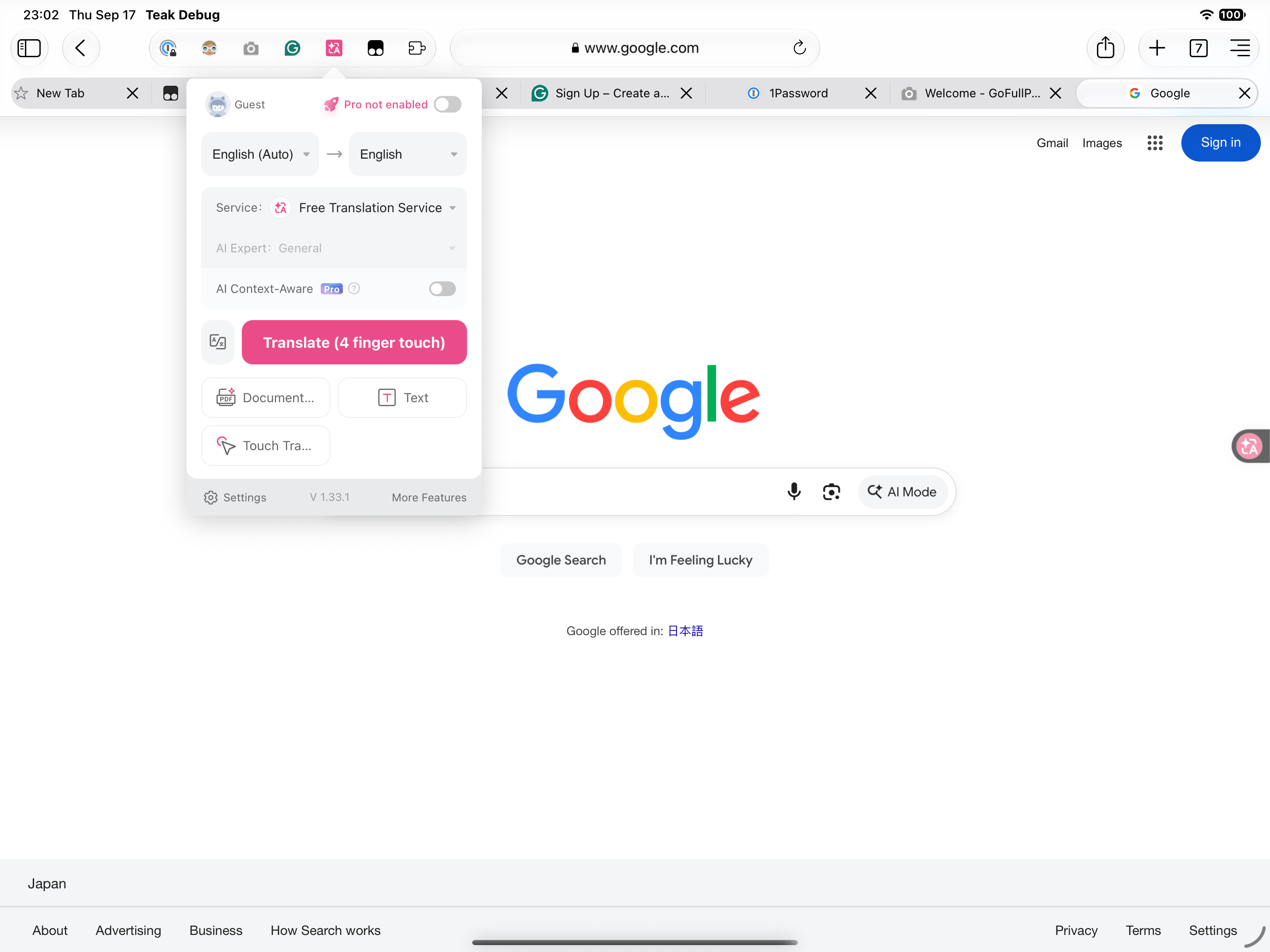
iPad
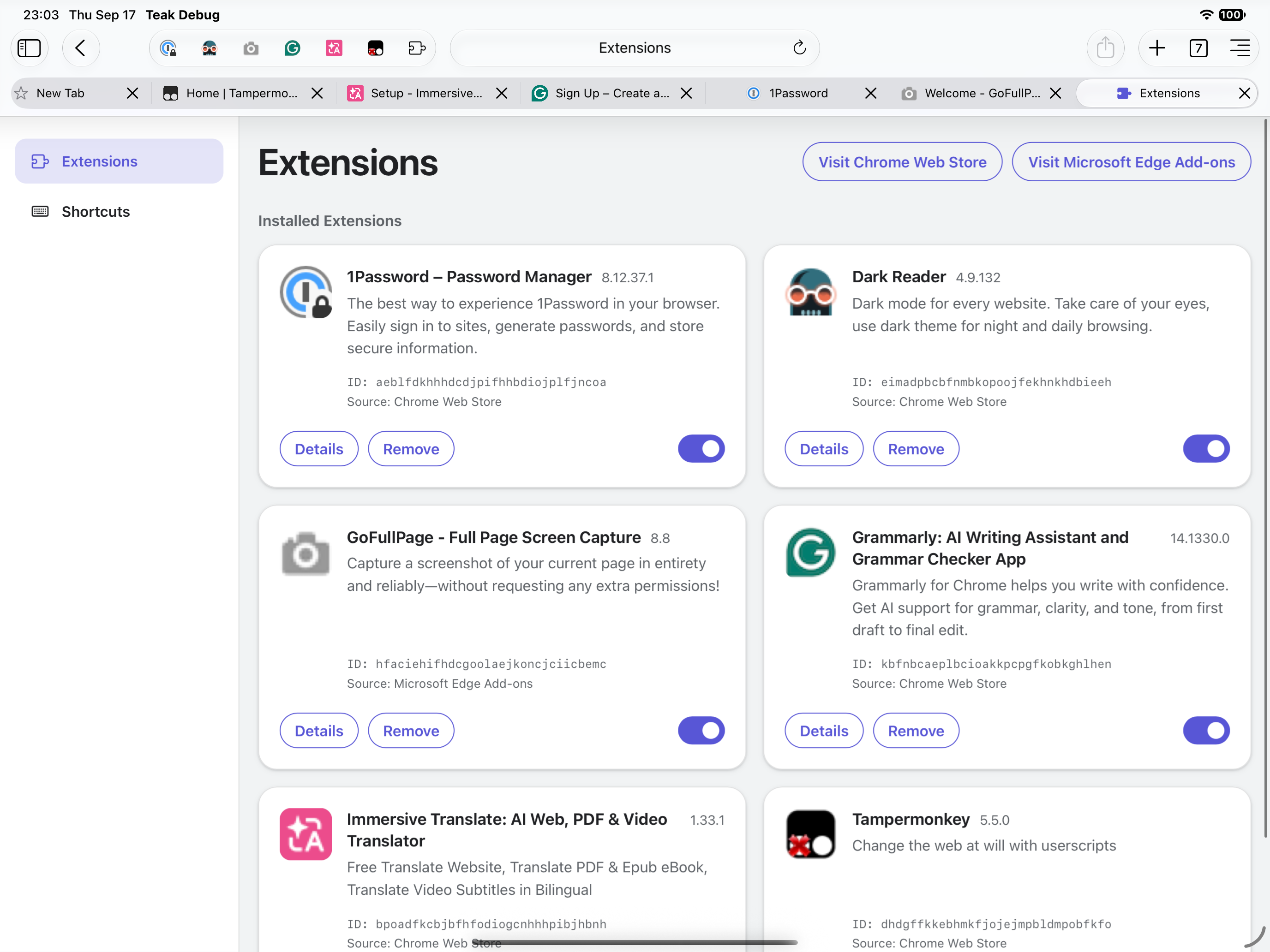
Open an extension popup from the toolbar and see its effect on the current page. For full control, use chrome://extensions to enable or disable extensions, review permissions, and check for updates manually.
User reviews
“I didn’t expect an iPad browser to handle Dark Reader this cleanly. The popup is right in the toolbar, exactly where I look for it.”
“Having Bitwarden available while I browse saves more time than I thought. Sign-ins feel much closer to the workflow on my laptop.”
“uBlock Origin Lite takes the edge off ad-heavy recipe and news sites. Pages feel less frantic without changing how I browse.”
“Immersive Translate has become my default for papers and documentation. I can compare both languages without bouncing between apps.”
“GoFullPage is perfect for saving receipts, reference pages, and long threads. One clean capture beats a camera roll full of fragments.”
“Extensions brought me here, but reader mode, page translation, and the element picker are what I end up using every day.”
FAQ
Yes. Teak Browser supports compatible Chrome Manifest V3 extensions on iPhone and iPad running iOS or iPadOS 17 or later.
Teak supports installation from the Chrome Web Store, Microsoft Edge Add-ons, and its built-in extension search.
No browser on iOS can guarantee every desktop extension. Teak has verified more than 100 extensions, and compatibility can change as extensions update.
Extension updates are currently checked manually. Teak shows a confirmation when a new version requests additional permissions.
Examples include Dark Reader, Immersive Translate, uBlock Origin Lite, 1Password, Bitwarden, Grammarly, GoFullPage, Violentmonkey, and Tampermonkey.
Yes. Teak also includes ad blocking, page translation, reader mode, dark mode, element hiding, and media discovery.
Install Teak on iPhone or iPad and bring compatible Chrome MV3 extensions into your everyday browsing.
Download Teak